


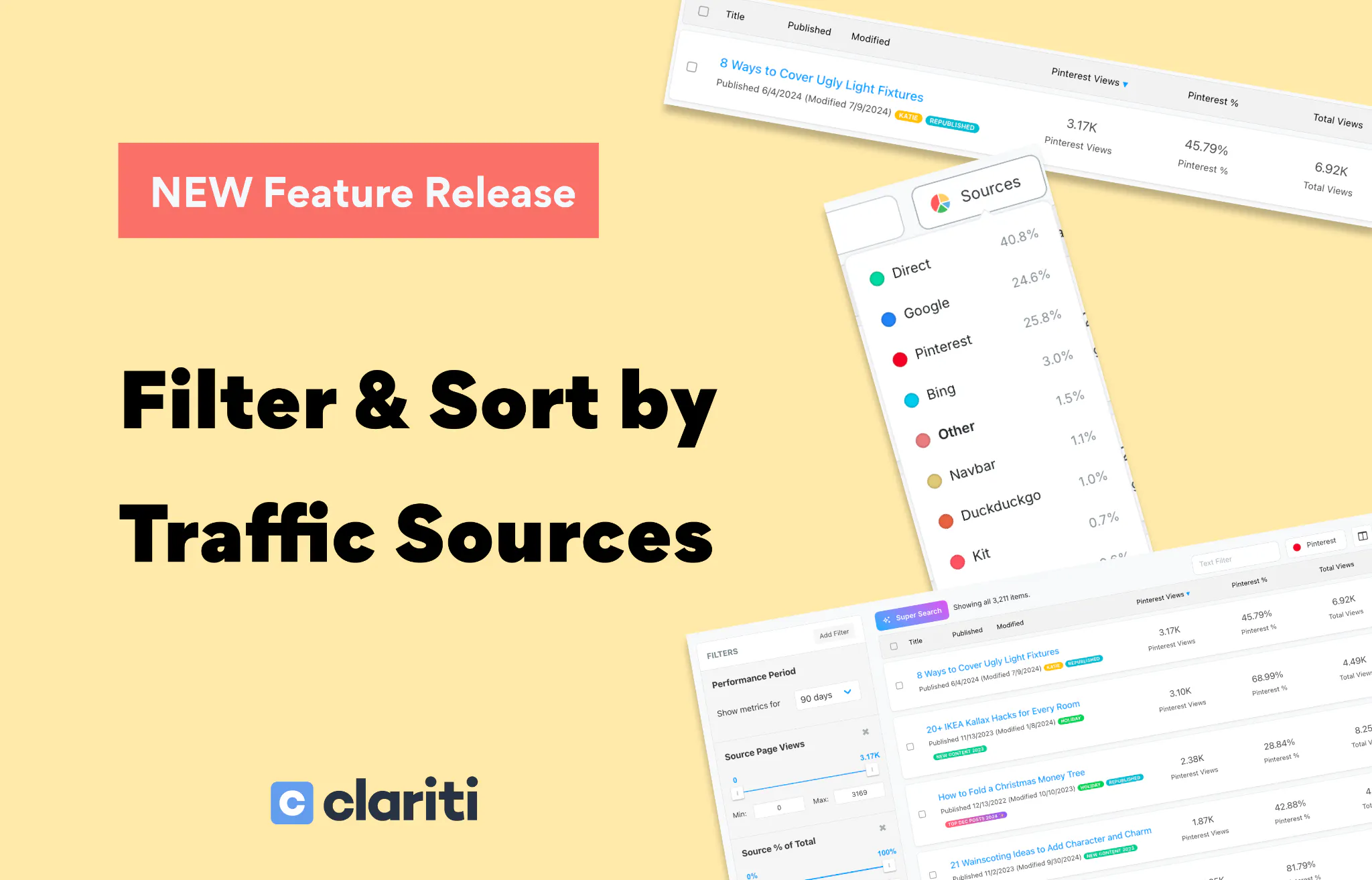
We just shipped one of our most-requested features! You can now filter and sort your entire post library by individual traffic source inside Clariti's Explore page.

Select any of your top 10 traffic sources — Google, Direct, Pinterest, Facebook, email providers, and more. Clariti populates source-specific columns for every post and auto-applies filters to help you narrow things down.
Then click any column header to sort. Best performers for that source at the top, or flip it to find posts that source has barely touched. It turns your full content library into a ranked, actionable list for whichever source matters most to you right now.

Sort by source views descending → see which posts that channel drives the most traffic to
Sort by source % ascending → find posts that are underperforming for a specific source despite strong overall traffic
Select your email provider → see exactly which posts your newsletter readers are landing on
👉 Try it now: Go to Explore, click the source selector at the top of your post list, choose a source, then click a column header to sort.
We'd love to hear what you discover — drop a reply below!
And if you have ideas for what you'd like to see next, this is the place to share them.